
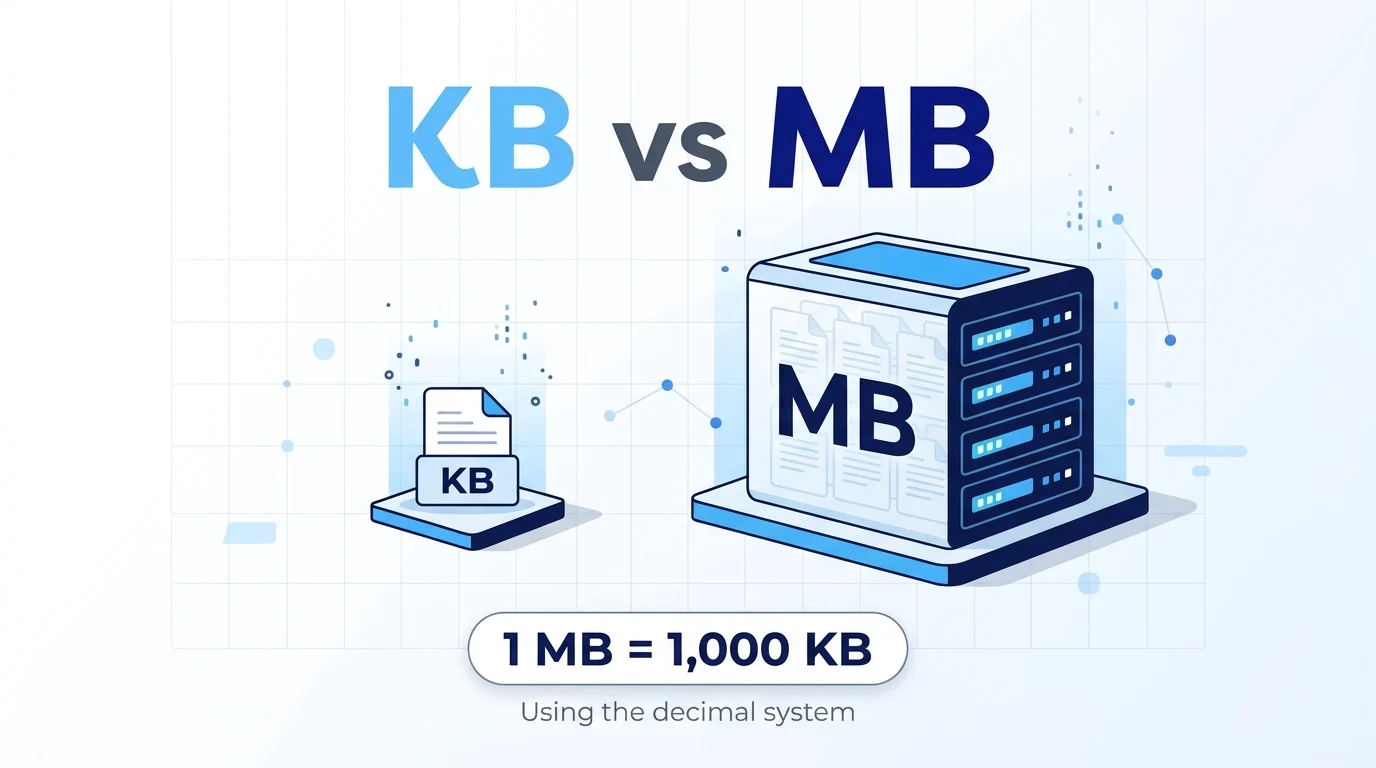
Quick Answer: KB vs MB refers to two units used to measure digital data and file size. KB stands for kilobyte, while MB stands for megabyte. A megabyte is larger than a kilobyte. In the decimal system, 1 MB equals 1,000 KB. However, some computer systems use 1 MB to mean 1,024 KB, so the exact conversion depends on the measurement standard.
When downloading a file, checking your phone storage, or comparing internet data usage, you may come across the terms KB and MB. These abbreviations can seem confusing, especially when one file is measured in kilobytes and another in megabytes.
Understanding KB vs MB makes it easier to estimate file sizes, manage storage space, and understand how much data your apps and downloads use. Although both units measure digital information, they represent different amounts of data.
A kilobyte is generally used for smaller files, such as simple text documents or small images. A megabyte is more suitable for larger files, including high quality photos, music tracks, and documents containing many images.
In this guide, you will learn what KB and MB mean, how they compare, how to convert between them, and when each unit is commonly used.
KB vs MB: Quick Answer
KB stands for kilobyte, and MB stands for megabyte. Both measure digital data, but an MB is larger than a KB.
- 1 KB = 1,000 bytes in the decimal system.
- 1 MB = 1,000 KB in the decimal system.
- 1 MB = 1,000,000 bytes in the decimal system.
In binary based measurements, 1 mebibyte (MiB) equals 1,024 kibibytes (KiB). Some software and computer systems use 1,024 based conversions while labeling the units KB and MB.
For everyday use, remember that an MB represents much more data than a KB.
What Does KB Mean?
KB stands for kilobyte, a unit used to measure digital information. It is commonly associated with smaller files and documents.
A kilobyte can represent a short text file, a simple document, or a small image. The actual size depends on the file’s contents and format.
For example:
- A short text file might occupy a few KB.
- A basic document may take up several KB.
- A small icon or compressed image might be measured in KB.
- A short email without large attachments may use only a small amount of storage.
File sizes vary, so these examples are general estimates rather than fixed rules.
What Does MB Mean?
MB stands for megabyte. It is a larger unit of digital information commonly used to describe photos, music, documents, and downloads.
Because an MB contains many more bytes than a KB, files measured in MB are generally larger than files measured in KB.
Examples include:
- A smartphone photo may occupy several MB.
- A music file may take up a few MB.
- A PDF containing many images may require several MB.
- A mobile application may have a download size of tens or hundreds of MB.
The exact size depends on resolution, compression, file format, and other factors.
KB vs MB: Key Differences
| Feature | KB | MB |
|---|---|---|
| Full form | Kilobyte | Megabyte |
| Relative size | Smaller | Larger |
| Decimal conversion | 1,000 bytes | 1,000,000 bytes |
| Common use | Small files and documents | Photos, music, apps, and larger files |
| Decimal relationship | 1 KB | 1 MB = 1,000 KB |
The main difference is the amount of data each unit represents. An MB can hold much more information than a KB.
How Many KB Are in an MB?
The answer depends on the measurement convention.
Decimal system: One megabyte equals 1,000 kilobytes. This standard is widely used for storage capacity and data measurements.
Binary system: One mebibyte equals 1,024 kibibytes. Computers often work with binary quantities, and some software uses 1,024 based conversions while displaying the labels KB and MB.
For simple everyday calculations, you can use 1 MB = 1,000 KB when following decimal measurements. If you are checking a computer’s technical specifications, pay attention to whether the system uses decimal or binary units.
How to Convert KB to MB
To convert kilobytes to megabytes using the decimal system, divide the number of KB by 1,000.
Formula:
MB = KB ÷ 1,000
Examples:
- 500 KB = 0.5 MB
- 1,000 KB = 1 MB
- 2,000 KB = 2 MB
- 5,000 KB = 5 MB
- 10,000 KB = 10 MB
To convert MB to KB, multiply the number of MB by 1,000.
For example, 3 MB equals 3,000 KB under the decimal system.
Which Is Better: KB or MB?
Neither unit is better than the other. They simply describe different amounts of data.
KB is useful when measuring small files because it gives a more convenient number. MB is better for larger files because it avoids unnecessarily large numbers.
For instance, describing a small text document as 25 KB is more convenient than expressing its size in individual bytes. Similarly, describing a photo as 4 MB is easier than listing millions of bytes.
The best unit depends on the file size and the context in which you are measuring it.
Common Mistakes to Avoid
1. Assuming KB is larger than MB
An MB is much larger than a KB. Always remember that kilobytes are smaller than megabytes.
2. Assuming every conversion uses 1,024
Decimal and binary measurements are different. Check which standard applies before making precise calculations.
3. Confusing MB with Mb
MB means megabyte, while Mb means megabit. A byte contains eight bits, so these units measure different quantities.
4. Assuming every photo has the same size
Photo size depends on resolution, format, compression, and image content. Two photos can have very different file sizes.
Frequently Asked Questions
Is KB bigger than MB?
No. A megabyte is larger than a kilobyte. In decimal measurements, 1 MB equals 1,000 KB.
How many KB make 1 MB?
In the decimal system, 1 MB equals 1,000 KB. Some computer systems use a 1,024 based conversion instead.
Is 500 KB smaller than 1 MB?
Yes. Under the decimal system, 500 KB equals 0.5 MB, making it half of 1 MB.
Is 1 MB a large file?
It depends on the file type. A 1 MB document may be relatively large, while a 1 MB photo or audio file may be quite ordinary.
Which is better for photos, KB or MB?
Both units can describe photo sizes. Small or compressed images may be measured in KB, while higher resolution images often use MB.
What is the difference between KB and Mb?
KB stands for kilobyte, while Mb stands for megabit. A byte contains eight bits, so the two units are not interchangeable.
Does a larger MB number mean more storage is used?
Yes. If other conditions are the same, a file measuring 10 MB uses more storage than one measuring 2 MB.
Are KB and MB used to measure internet data?
Yes. Internet downloads, mobile data usage, and file transfers may be measured in KB or MB. Larger downloads may be measured in GB.
Conclusion
The difference between KB vs MB comes down to the amount of digital information each unit represents. KB stands for kilobyte and is commonly used for smaller files. MB stands for megabyte and is more suitable for larger files, such as photos, music, documents, and applications.
In the decimal system, 1 MB equals 1,000 KB. However, some computer systems use 1,024 based conversions, which can make the displayed values differ slightly.
Remember that MB is larger than KB, and do not confuse megabytes with megabits. Once you understand these basic units, comparing file sizes, checking storage space, and estimating download sizes becomes much easier.